
5 Ways I’m using TripoAI to Generate 3D Models in Seconds!
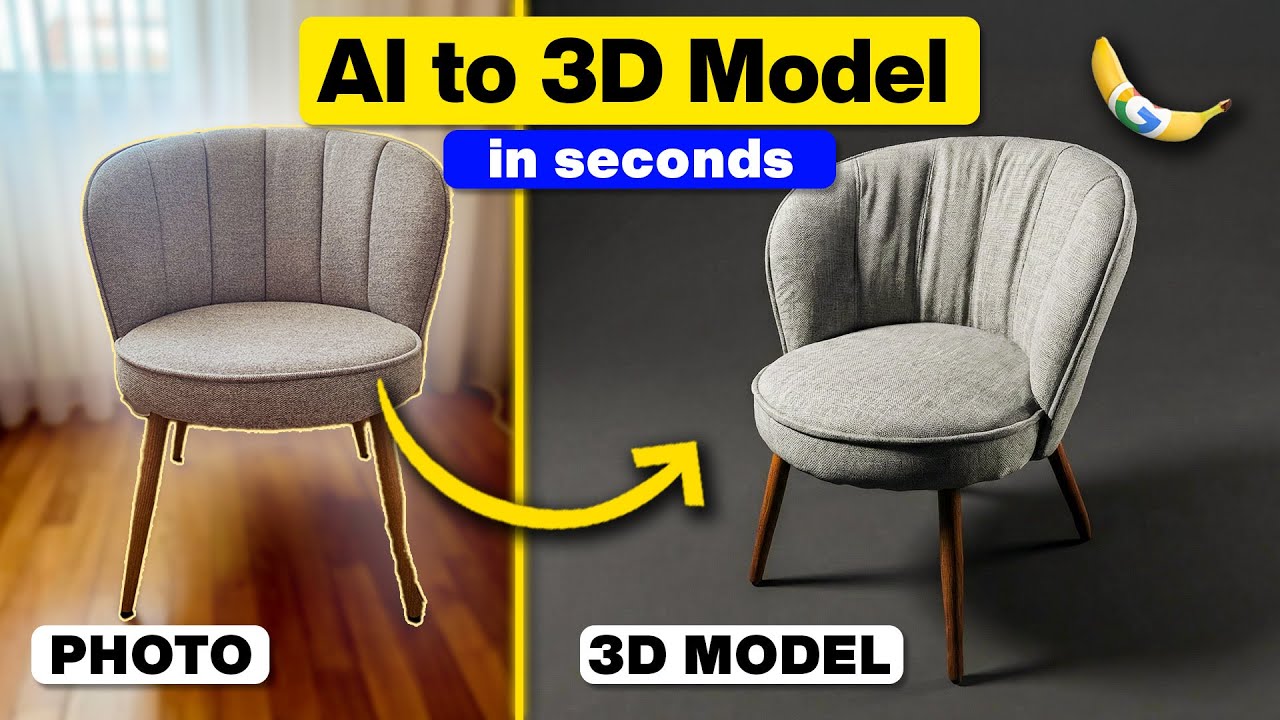
Does it seem that your 3D modeling workflow takes forever? TripoAI just changed the game! I tested this tool and got a photorealistic 3D chair model in 30 seconds using nothing but a phone camera and this software. No photogrammetry, no 80 plus photos, no hours of processing.
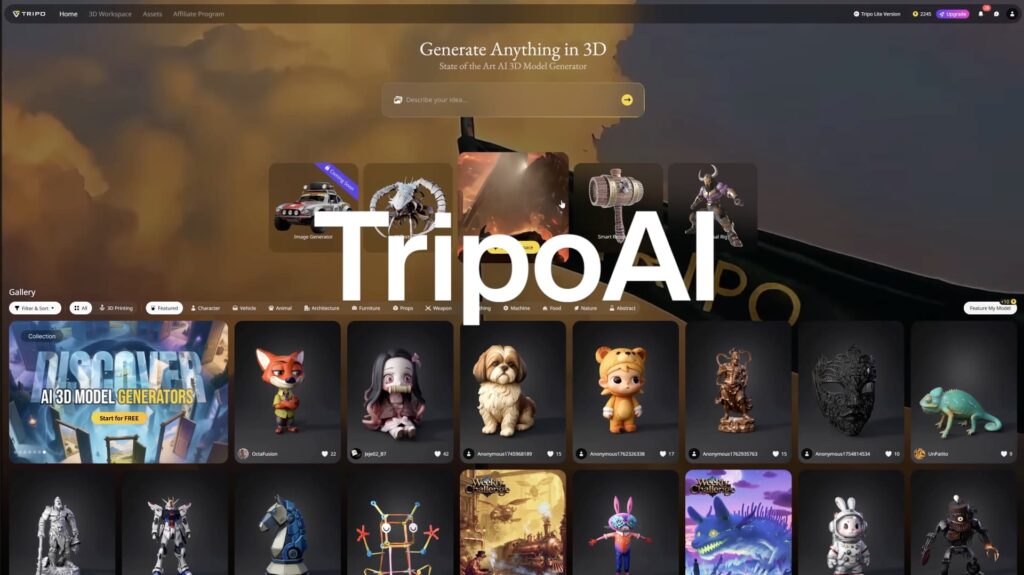
But here’s the thing – this tool does way more than just turn photos into models. It generates furniture from text, creates background buildings for scenes, auto-rigs animated characters, and even prepares models for 3D printing. The question isn’t whether it works. It’s whether it’s about to alter how architects and designers actually work.
The real kicker? The way it handles multi-view image-to-3D is genuinely impressive. You’re not looking at some tech demo here – these results are actually usable.
The Main Process/Journey
Here’s how TripoAI transforms your design workflow from weeks to hours.
Multi-View Image to 3D
Capture four angles of any real object with your phone (front, left, right, back), upload to TripoAI, and let it generate a complete 3D model in minutes. The accuracy is shocking – it captures shape, proportions, and even fine details on complex pieces. Interior designers can literally photograph furniture from a showroom and have client-ready assets by the end of the day. What used to require dedicated photogrammetry software and hours of processing now happens in a couple of minutes.

Text to 3D
Got an idea in your head but no object to photograph? Type a detailed prompt – think “modern minimalist sofa with clean lines, neutral gray fabric, Scandinavian style” – and TripoAI generates a 3D model from scratch. The trick? Be specific about materials, style, and function. The more detail you provide, the better the results. You can even generate preview images from multiple angles before committing to the 3D model, that way you get exactly what you’re looking for.
Building Generation
This is the actual game-changer for architectural visualization. Instead of spending days modeling contextual buildings, type “small modern house, two stories, pitched roof, residential neighborhood style” and get multiple options in minutes! Scattered throughout a scene, it creates instant neighborhoods that don’t need manual work. They’re not detailed enough for your hero building, but for establishing shots and distant context, they’re absolutely perfect and save hours of work.

Character Generation & Rigging
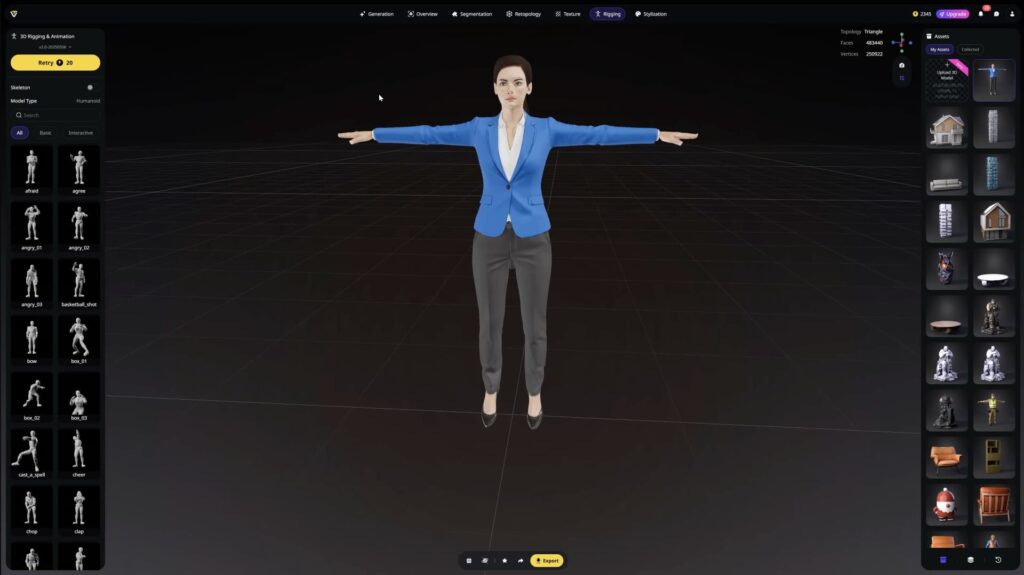
Generate professional characters from text prompts, and here’s the magic part – TripoAI automatically rigs them with bones and animations. No weight painting, no manual bone setup. Just hit a button and you’re done. You get unique people for renders that actually move, not the same stock models everyone recognizes. With a solid library of preset animations, you can pose characters instantly and place them in actual 3D renders.
3D Printing Test
This is where it gets wild. Generate a design from a text prompt like “modern asymmetry vase with curved irregular form, flowing organic shape, contemporary ceramic design”, export it as an STL file and print it the same day. The curves, the details, the structure. Everything transfers perfectly from digital to physical. Something that didn’t exist as a text prompt becomes a real object! From days to hours!

Final Verdict
Multi-view image to 3D absolutely crushes expectations with a solid 9 out of 10 – this is what shocked me most. Text-to-3D lands at 7 out of 10 (you might need light refinement, but the speed of iteration is unbeatable). Buildings hit 6 out of 10 (not detailed enough as hero assets, but perfect for context and a real timesaver). Character generation gets 8 out of 10 thanks to automatic rigging and unique animations. And 3D printing works so well it gets 8 out of 10 – the mesh optimization is solid, and you’re going from idea to physical object in hours instead of days.
Who Is TripoAI For?
Architects needing quick assets, interior designers cataloging furniture libraries, 3D artists as a way to speed up their workflow, anyone doing architectural visualization, and people who need to make quick prototypes. This isn’t about replacing traditional 3D modeling. It’s about making you iterate faster, smarter, and with something that normally took days now taking hours.
Watch the full video to see each feature in action and discover which one surprises you most.