
7 Ways to Improve Your Architecture Visualizations with Nano Banana Pro
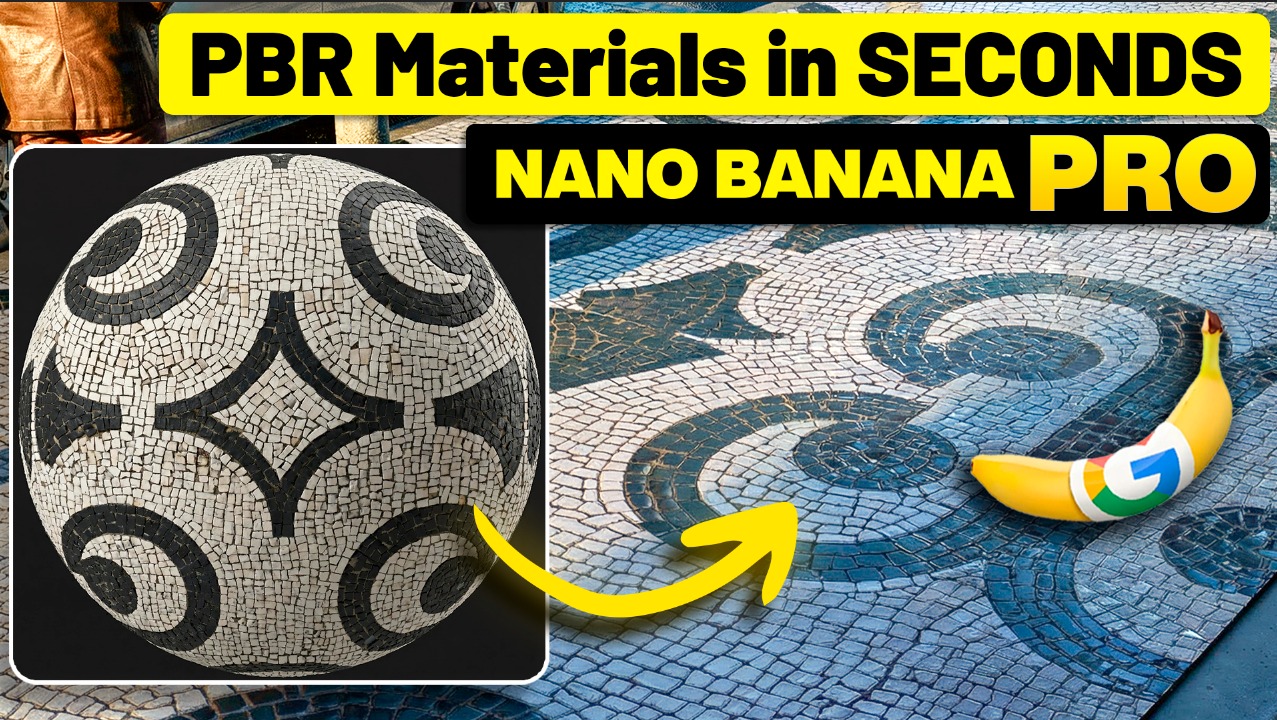
I turned a blurry screenshot into a professional PBR material in 30 seconds. No software. No skills required. Just a chat window.
That’s when I realized everything I’ve been doing the hard way could change!
I spent the last month testing Nano Banana Pro on actual client projects and found seven techniques that genuinely changed how I work. The thing that blew me away? Most architects have no idea this is even possible.
Technique #1: Creating Custom PBR Materials from Photos
You know that moment – you find the perfect material, but it doesn’t exist as a texture anywhere. Normally that’s hours in Substance Painter if you even know how to use it.
I grabbed a screenshot from Google Street View that was blurry and distorted. Asked for a seamless PBR material and two seconds later I had a complete, professional texture. The system understood the irregular pattern, the weathering, the missing stones. It wasn’t just texture – it was material physics.
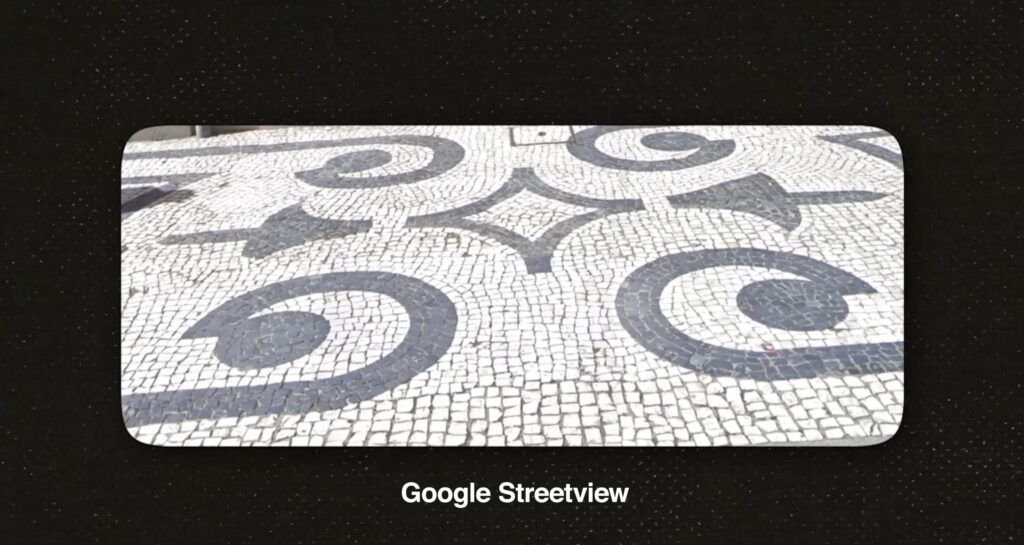
That would’ve normally taken half a day to produce. This took two minutes!
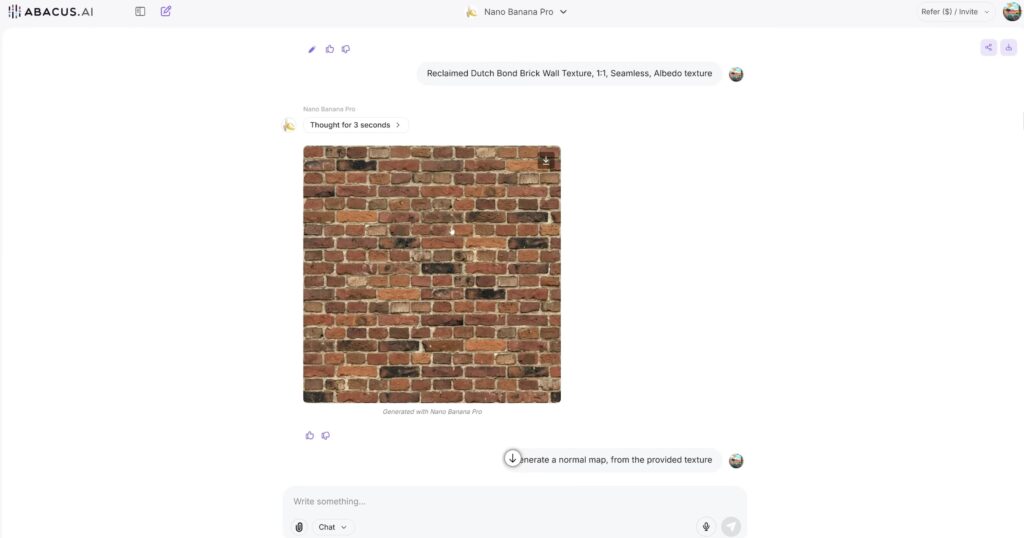
But it gets even better, because it is able to produce similar results using a text prompt and not an image as a reference.
Technique #2: Testing Vegetation Assets Before Buying
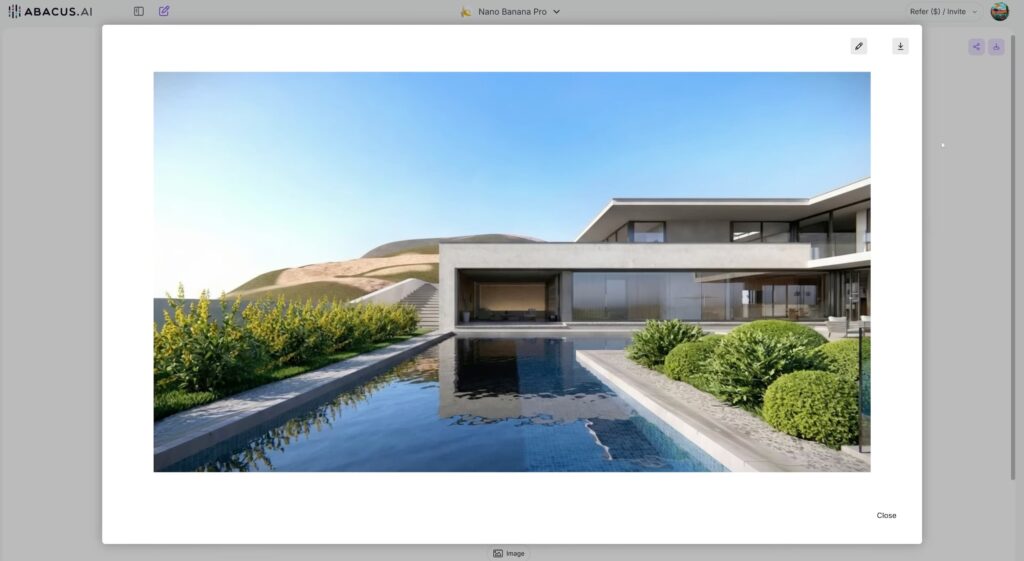
Stop throwing money at 3D assets that look perfect online but look terrible in your actual project! I’ve for sure wasted hundreds of dollars on this! Now I just load the render, highlight where I want to test something, upload the asset, and AI allows me to preview if it actually works or not. Before paying a single dime!
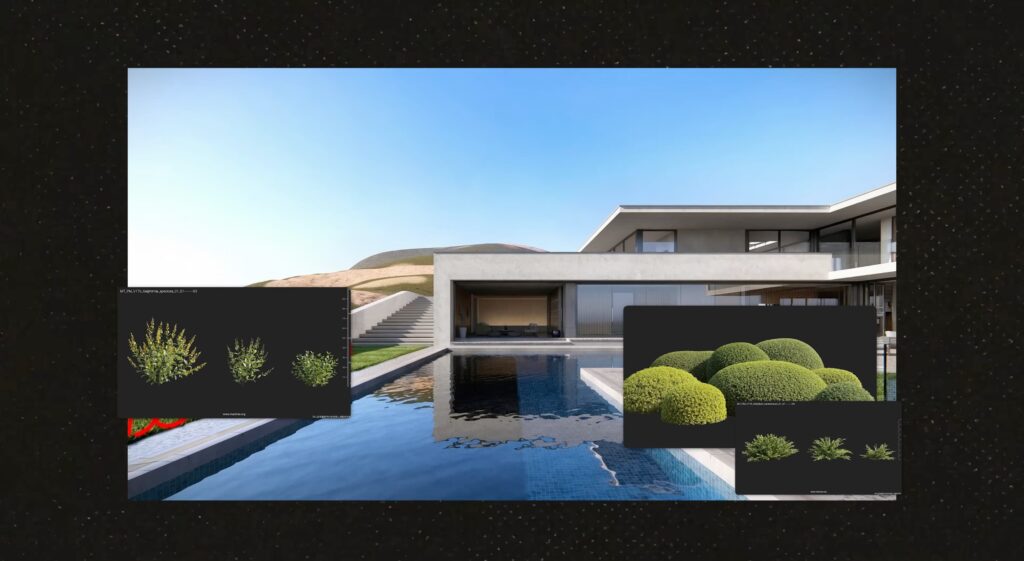
This way I only buy assets that I know will work, no more wasted money! This has become my current workflow.
Technique #3: Replacing Materials on Furniture & Objects
Does the client want to see that sofa in different fabrics? Used to mean finding new materials, replacing textures, re-rendering! Now? I just upload a reference and it swaps it in 20 seconds.

But here’s the thing that actually impressed me the most – it doesn’t just slap a texture on! When I changed the glass to marble on a coffee table, it understood the nature of the swap. Adjusted the reflections, added weight. That’s actual material intelligence, not just a color swap.
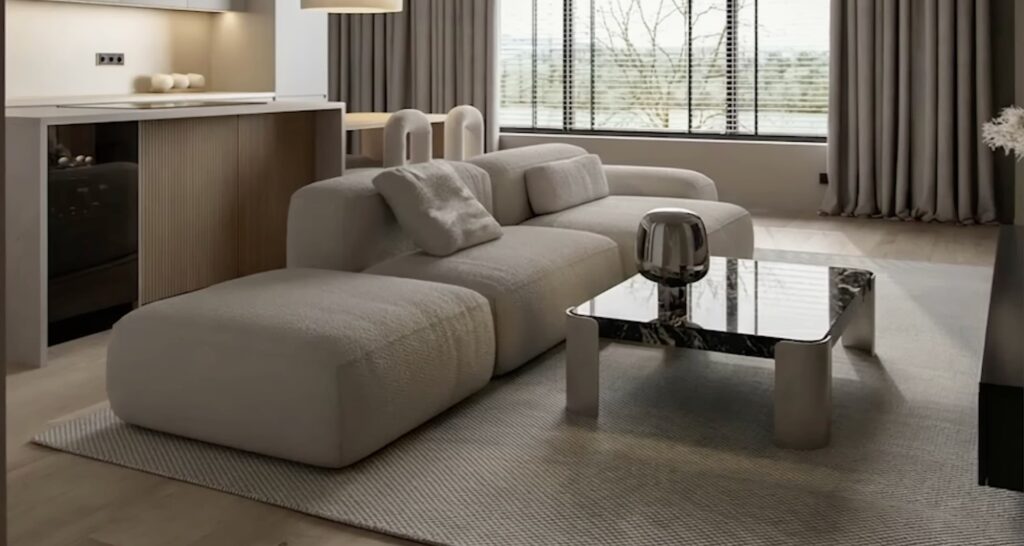
This alone can save you hours on any client revision!
Technique #4: Creating Interiors with Reference Images
Show it the pieces of furniture you like and it designs an entire interior around them. Maybe not construction-ready, but, as a concept exploration tool? It’s ten times faster than sitting in meetings around mood boards. You get something concrete and your client sees the vision immediately.

Technique #5: Generating Architectural Blueprints
Take a photo of a building. Any photo. It generates plan, section, and elevation drawings. Pull details you’d spend hours drawing by hand. Useful for concept work, site analysis, client pitches. When I tried with a single picture the results were not the best, but as soon as we add multiple images as reference we see immediate improvements on the output provided.

Technique #6: Changing to Different Aspect Ratios
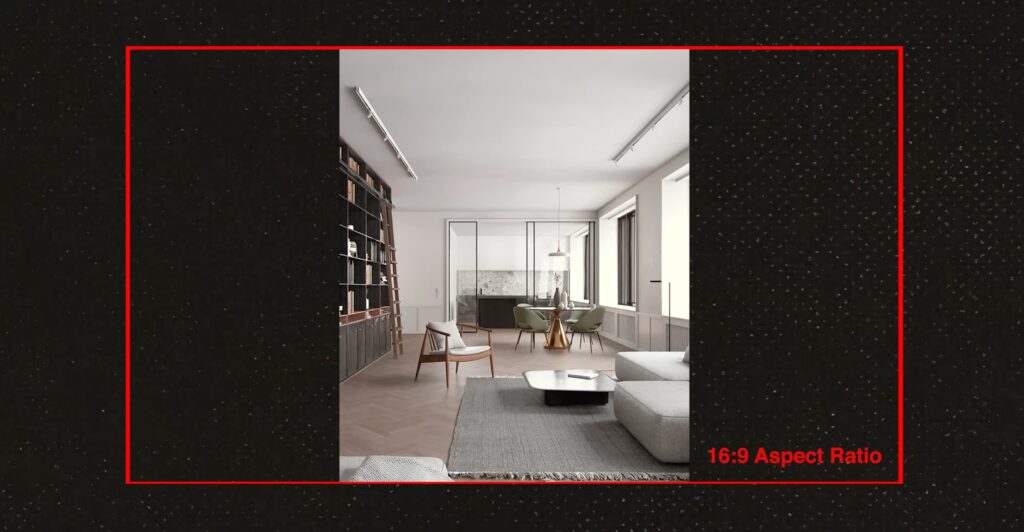
The client wants it in 16×9 for the presentation but that is not what you have rendered? Instead of rerendering, you generate four versions in seconds and pick the best one. Small features, huge time saver when you’re juggling multiple formats. I simply use the image mode available in Abacus Ai, select Nano Banana Pro and in 30 seconds have 4 images to choose from!
Technique #7: AI Video Generation from Renders
Perfect render but client wants video. I should have expected that! Used to mean setting up camera paths and rendering overnight. Now you describe the movement and it generates it. Works great for slow pans, walking shots, social media content. I’m using this for Instagram because it’s fast and actually looks good.
The Bigger Picture
All this was done using ChatLLM by Abacus Ai, a way to get access to multiple AI models for $10 a month.
These aren’t replacing your work. They’re removing the tedious stuff so you can focus on what actually matters – the creative decisions. You’re still directing everything. Just working faster.
Watch the full video to see how all of this actually works in action. It’s way more impressive when you see it happening and also I added a free pack of PBR materials, created using these techniques, that you can get on the description of the video.