

A Game Changing AI Video Tool – Kling O1
You know that moment when you discover a new tool and realize you’ve been doing things the hard way for a long time? That was exactly what I felt when testing Kling O1. Honestly, people are calling it the “nano banana” for video, and actually now I understand why!
Here’s the thing – I can throw separate images at it, sketches, basically anything into this tool, and in about a minute I’ve got a full animation. No hours of manual work on complicated software. It’s genuinely mind-blowing when you see it in action.
So what actually happens when you start playing with this thing? The capabilities are honestly hard to wrap your head around until you see it working.
Multiple elements into one video
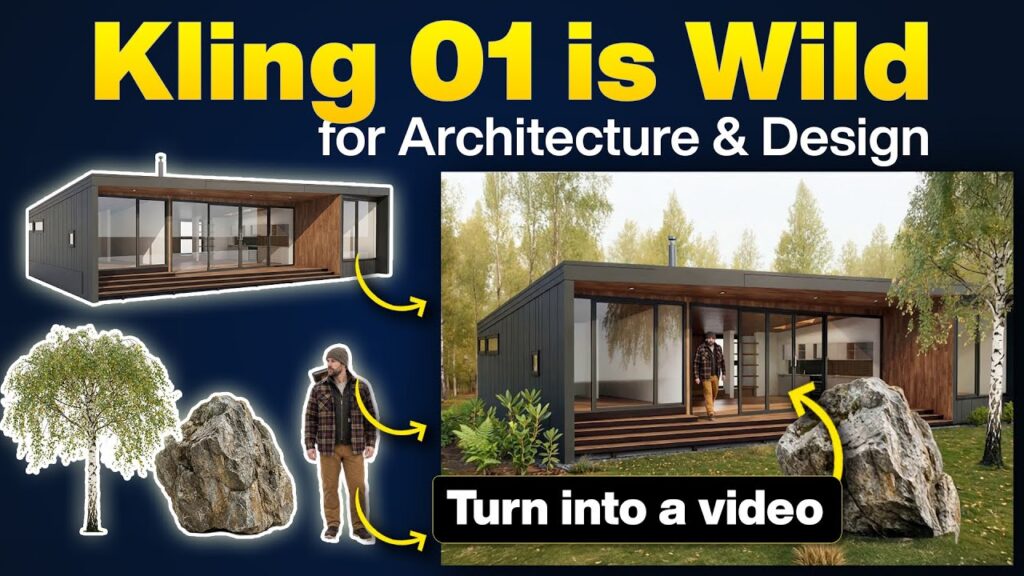
The first thing I tested was with a bunch of separate images – a man, some trees, bushes, a rock and a house. I just uploaded everything, tagged it, and wrote out a simple description to Kling O1: “forest environment, cabin, man walking out of the house”. Nothing fancy. When it generated the video, the outcome was a cohesive scene where the man’s actually walking out of the house, the trees are positioned naturally in the background and everything feels like it was shot together. The consistency is actually insane!

Phasing animation (furniture popping in)
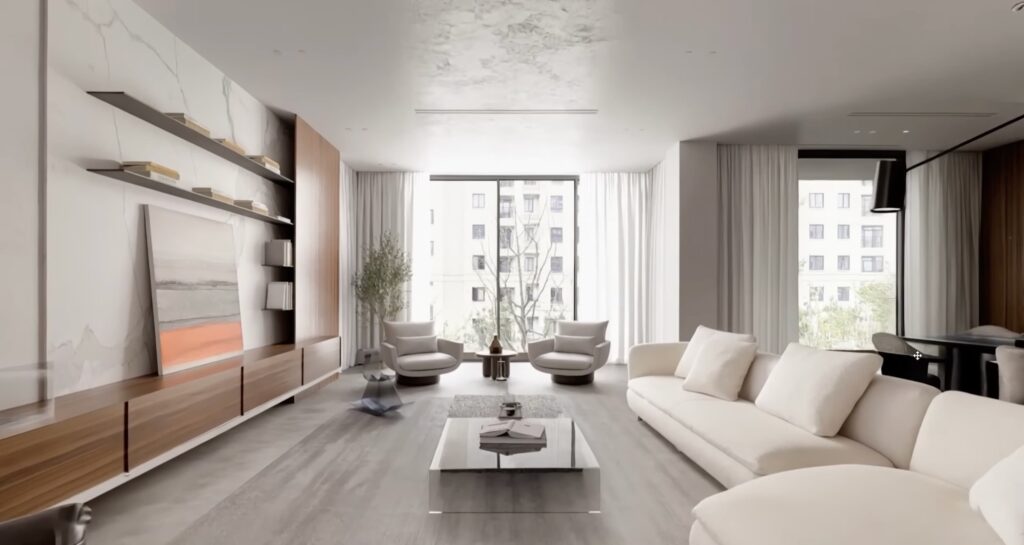
Then I got ambitious and tried something a bit more complex. I had an empty room and another shot with all the furniture in place. I wanted each piece to pop in, rotate, and settle one by one. Uploaded both images, described exactly what I wanted to happen, and it actually delivered. The furniture flies in realistically, and you can even layer some AI-generated sound effects that sync up.
Add your project to drone footage
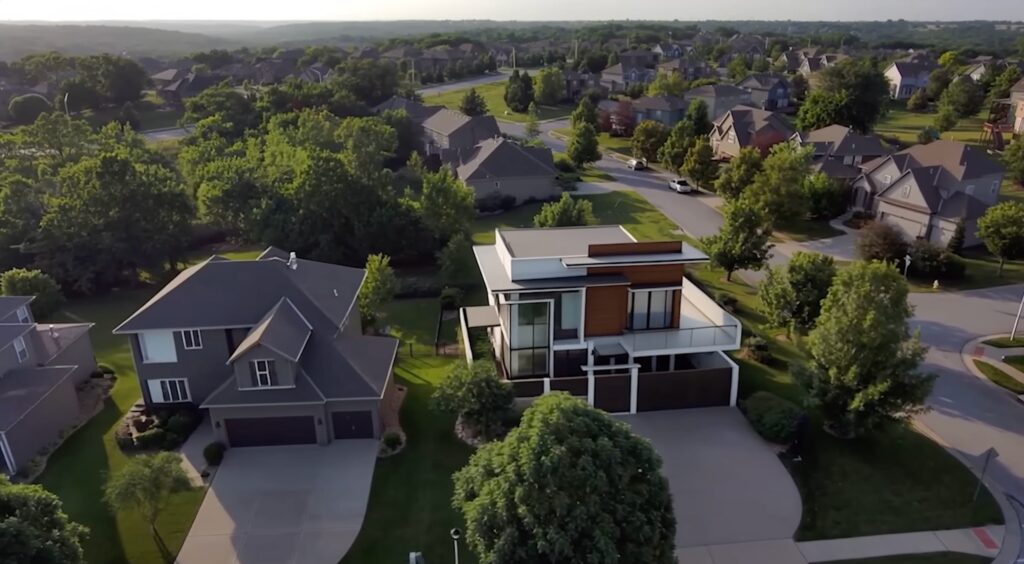
Now about the practicality of all this. I grabbed a drone shot I’d filmed and replaced the main house with a different structure. The tracking stayed perfect – the camera’s moving, but the new house sits naturally in the scene like it has always been there. Then ,I got creative and regenerated the same shot as a winter scene with blue hour lighting and Christmas lights. Same drone footage, completely different vibe.
Change environment (winter scene)
This really showcased how flexible Kling O1 can be. Taking the same drone footage and simply describing what I wanted – a winter scene, blue hour, Christmas lights – transformed the entire mood. The original tracking and movement remained intact, but the setting was entirely different. I could generate a dozen versions of the same shot with completely different environments.

Replace objects in video
Next, I tested replacing a sofa with a different one in an existing video. What impressed me the most wasn’t just that it worked – it was how quickly I could iterate. If that couch didn’t look right, I could swap it for another one. I could try an armchair or something completely different. It’s like having instant creative flexibility you’ve never had before.
Technical drawing to 3D animation
I pushed it further and tried animating from a floor plan through different perspectives up to a full 3D view. It can be a bit rough around the edges at the beginning, but watching it transition from a technical drawing to an actual rendered scene is nothing short of impressive. You could do this for presentations, client pitches, architectural walkthroughs… you name it!
Replace clothing and add elements
One thing I’ve wanted to do for years was to test different clothing options on a rendered character and with this toll you can upload presets or create your own, and it swaps the clothing while keeping everything else consistent. I even added a cat in one test, and it actually worked. For design iterations, time saved is just massive!
Replace materials in video
The last thing I played with was swapping out fabric textures on furniture in an already existing video. The detail work here is quite impressive – it understands that you’re changing a material, not just slapping a color on top.

I could keep going, honestly. I’ve tested dozens of other scenarios, and there’s way too much to fit into one video. But here’s the reality: this changes how you approach video content! Whether you’re working on architecture, product visualization, animation, or anything creative, the speed and flexibility are at an entirely new level.
Watch the full video to see all the different use cases in action – seriously, it’s worth seeing how smoothly everything actually works in practice.